Danilo & Sharon
Works withLightroom Classic · Camera Raw · Mac & Windows
Discover the look ↓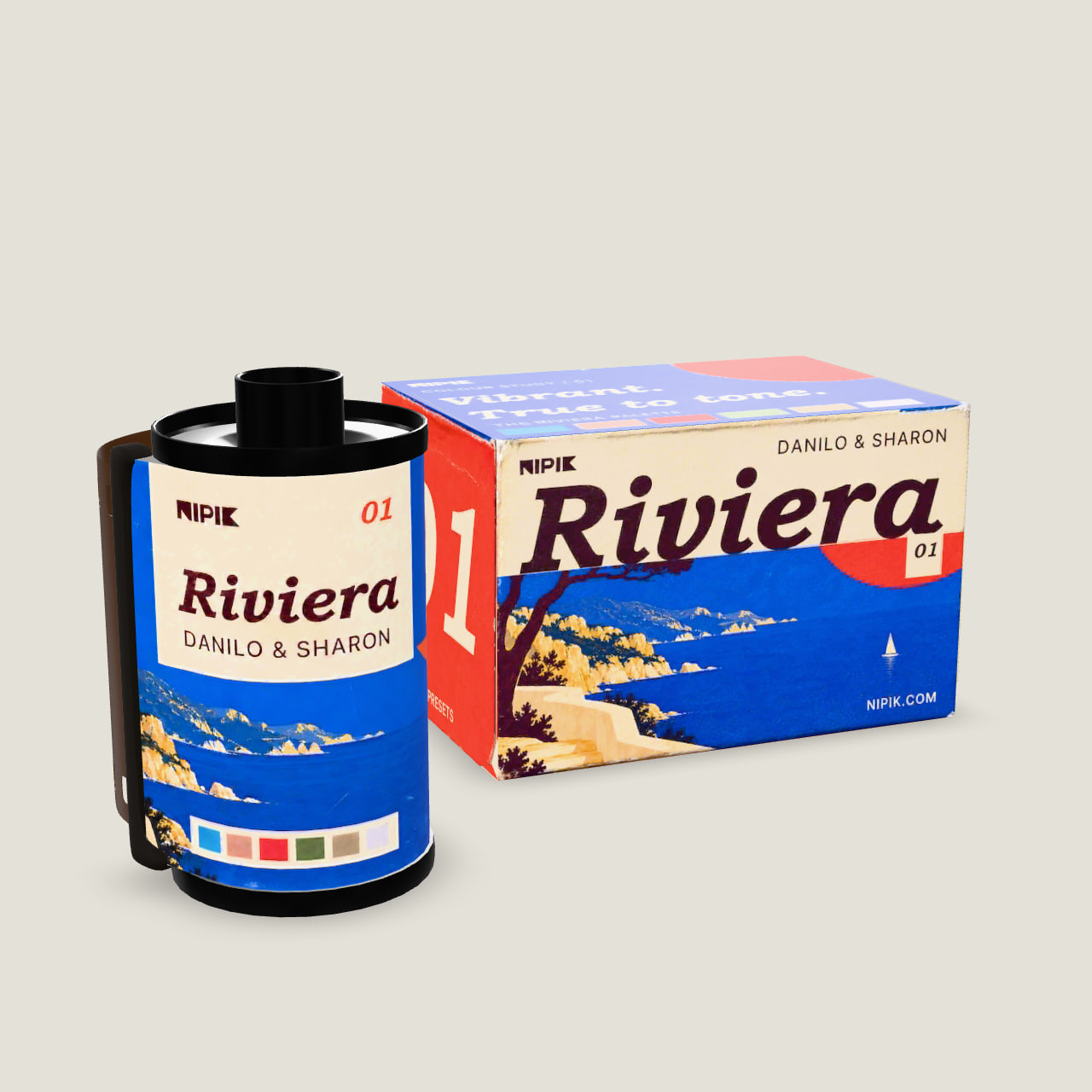
A whole day. One point of view.
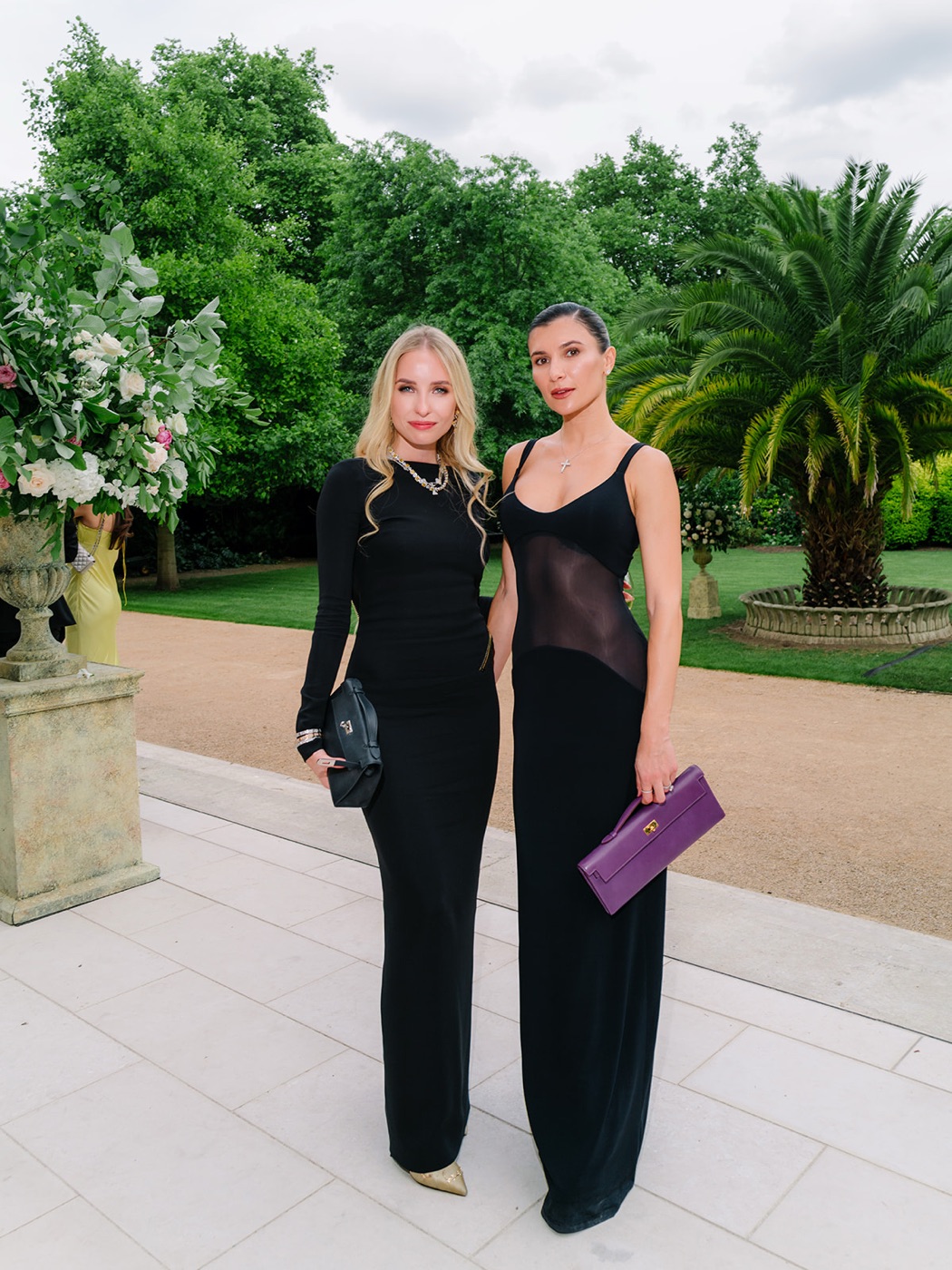
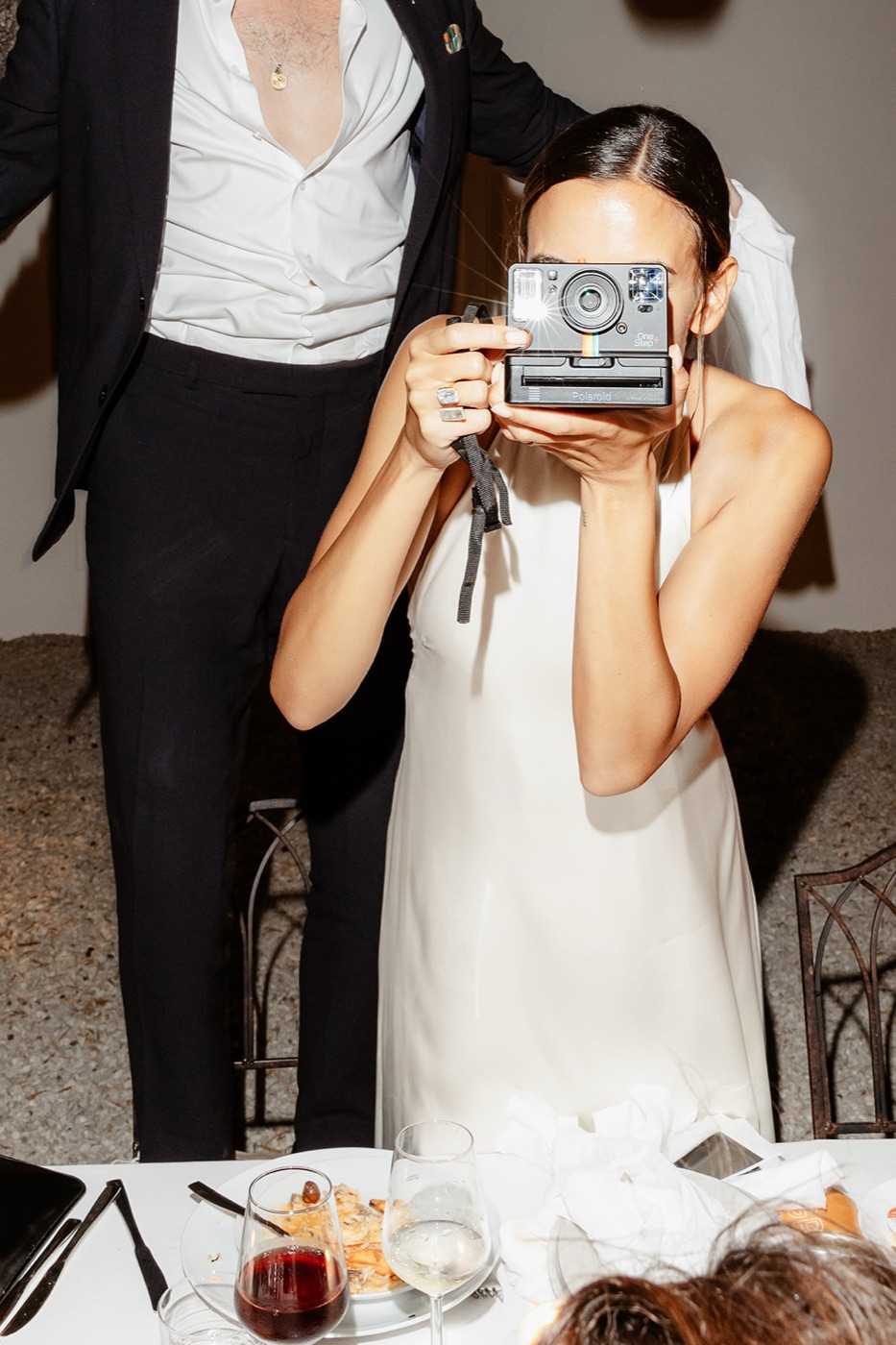
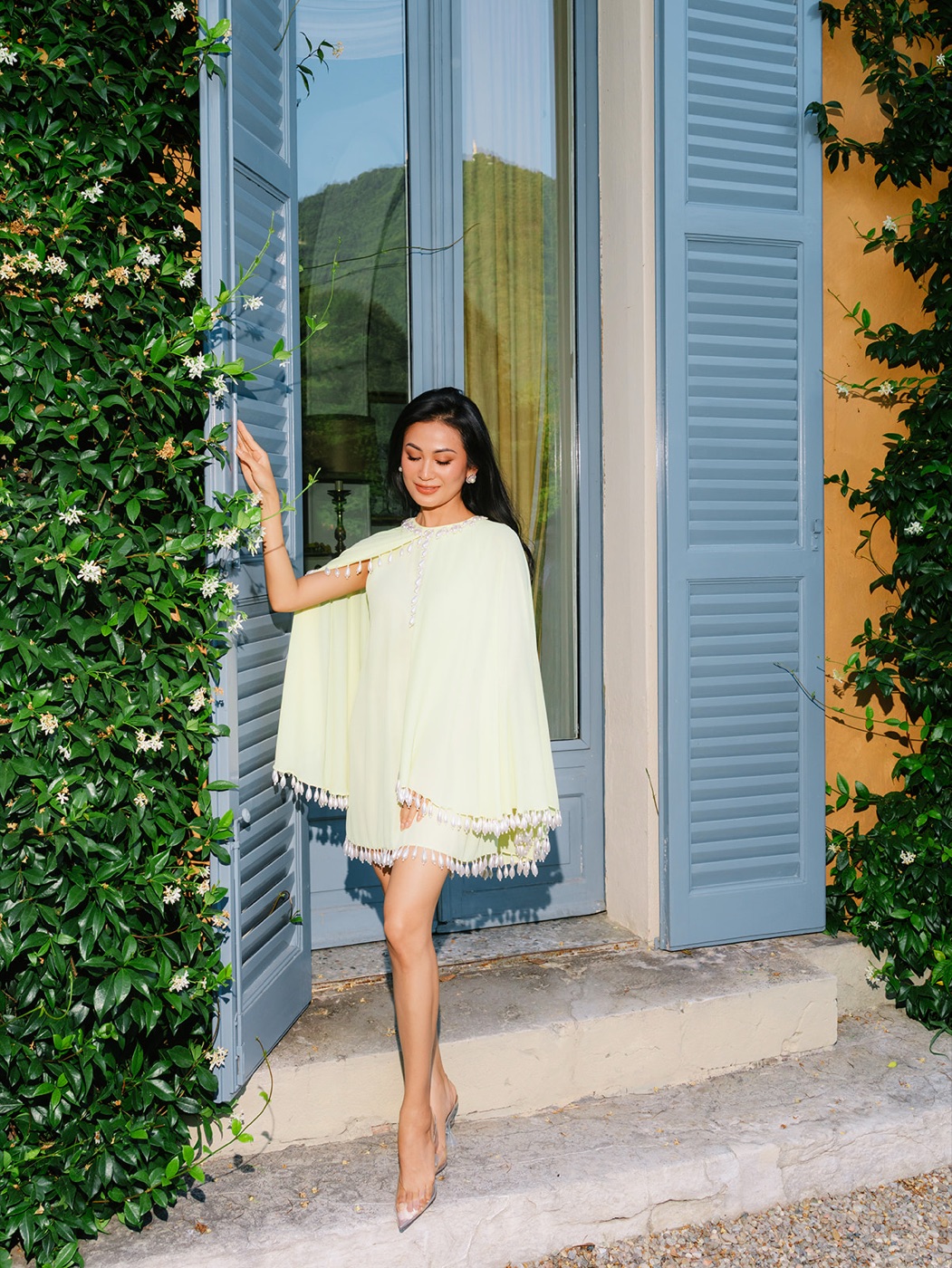
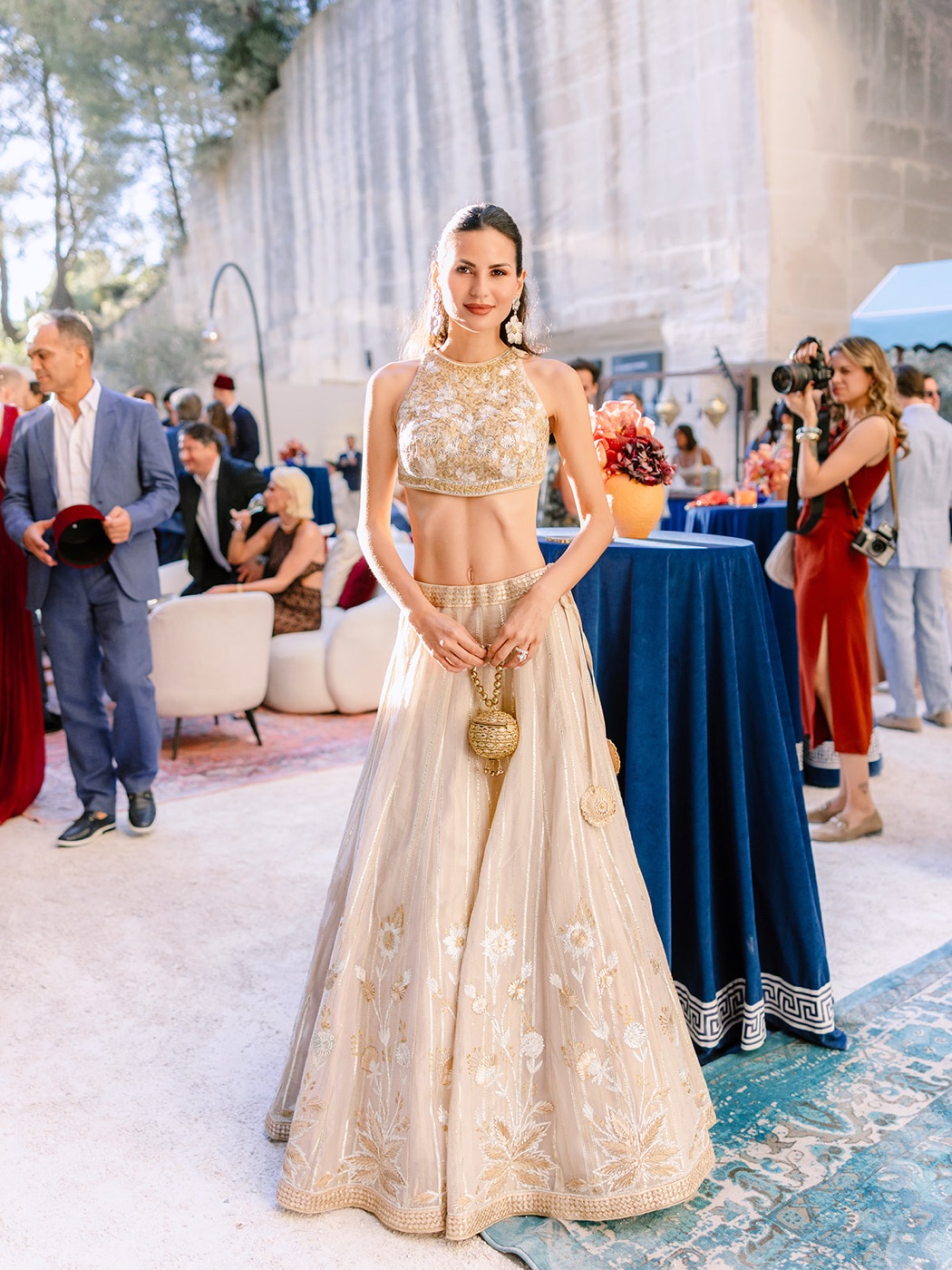
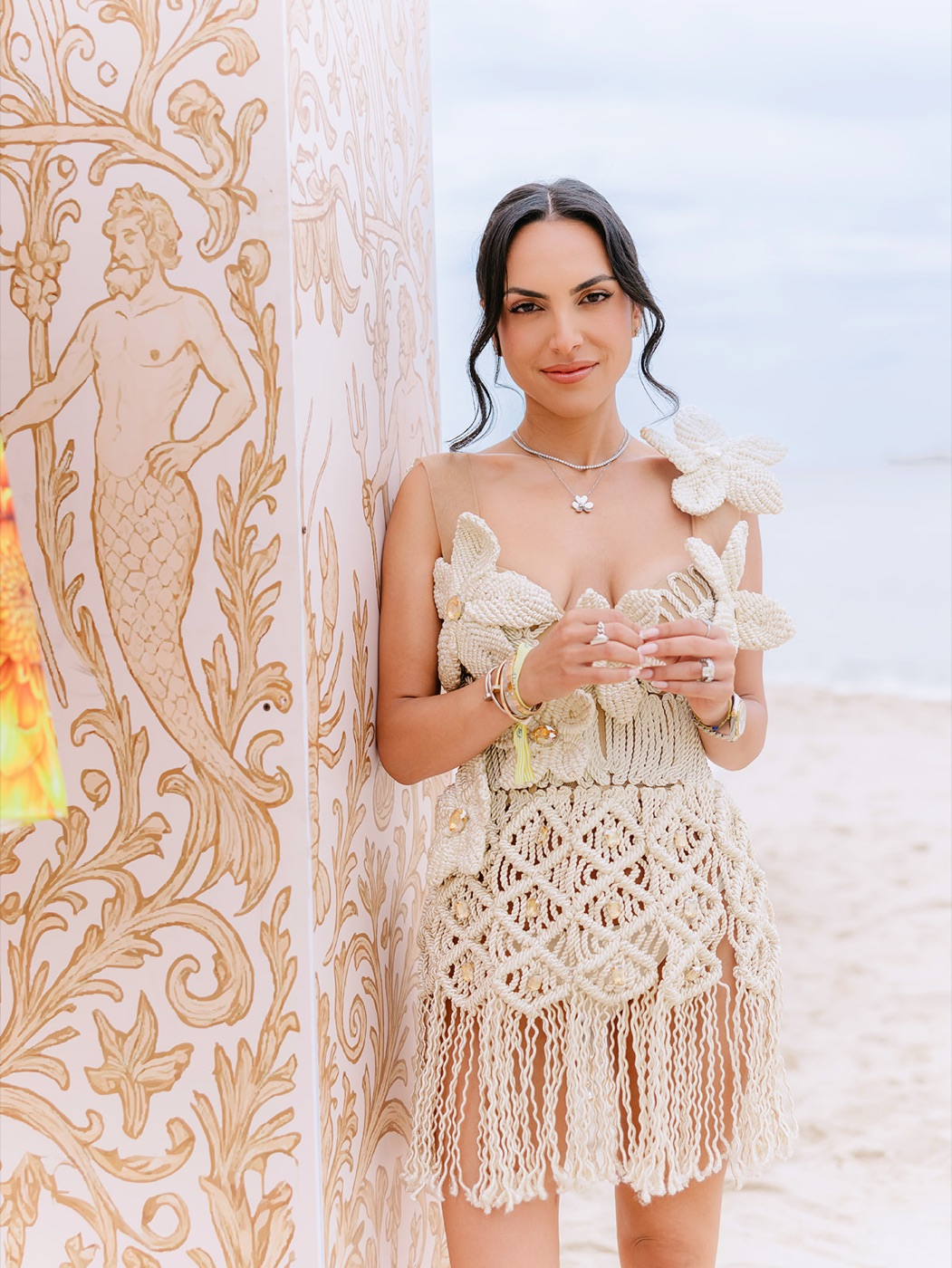
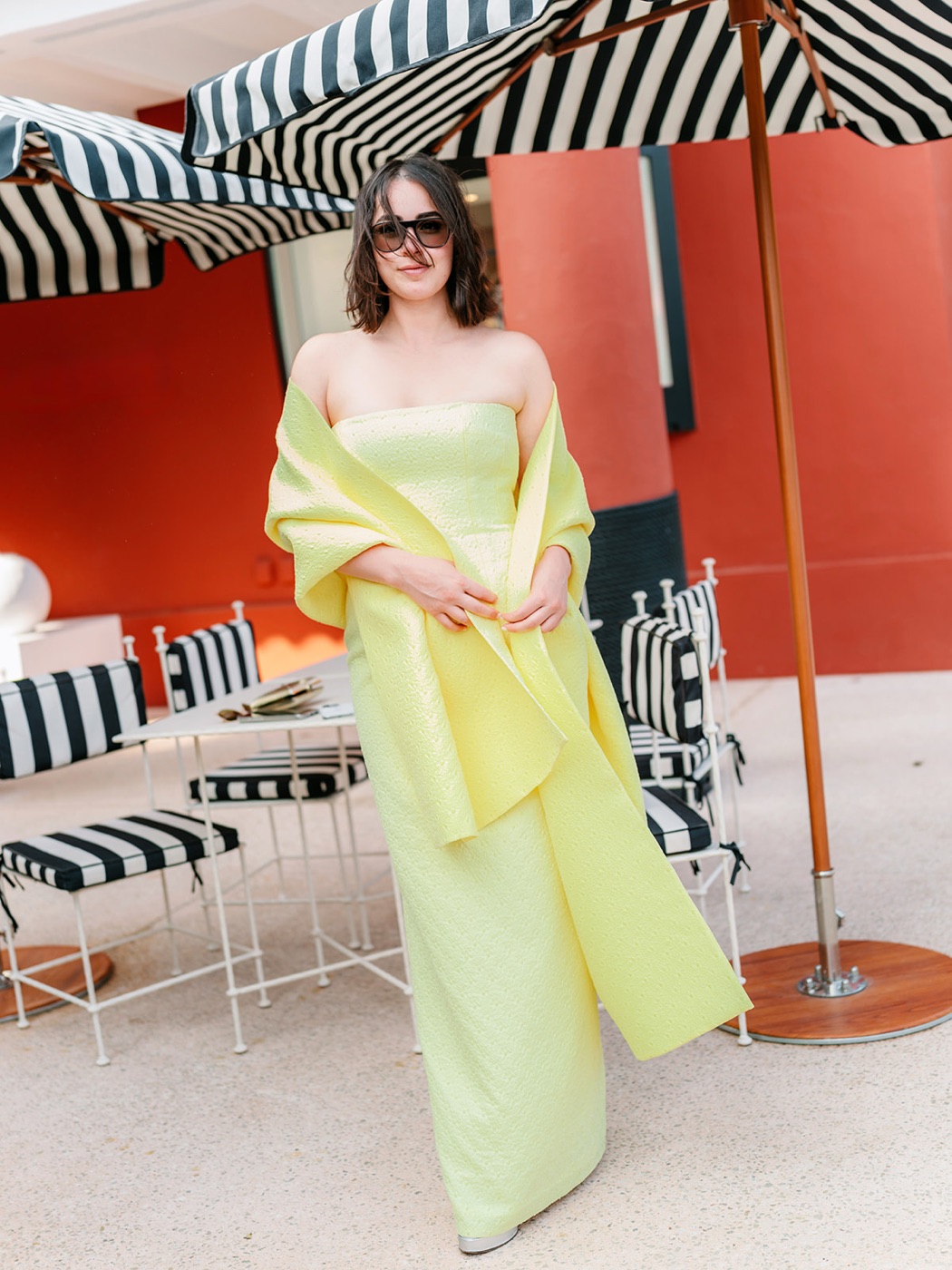
Quiet color, luminous skin, and whites that still feel like light. The first NIPIK collection brings the Danilo & Sharon point of view to an entire wedding day—from the getting-ready room to the last photograph on the dance floor.
Digital collection / Lightroom
Delivered to your account and the NIPIK Installer.
A better starting point
Inside DYNAMIKSix creative profiles
A family of looks, each with its own character. Begin with the everyday profile, then explore different light, contrast, and mood.
The finishing touches
A focused set of finishing presets for texture and detail, plus a workflow guide to help you make the collection your own.
A clear way in
Installation guidance for Mac and Windows, practical editing notes, and a direct line to the NIPIK team when you need help.
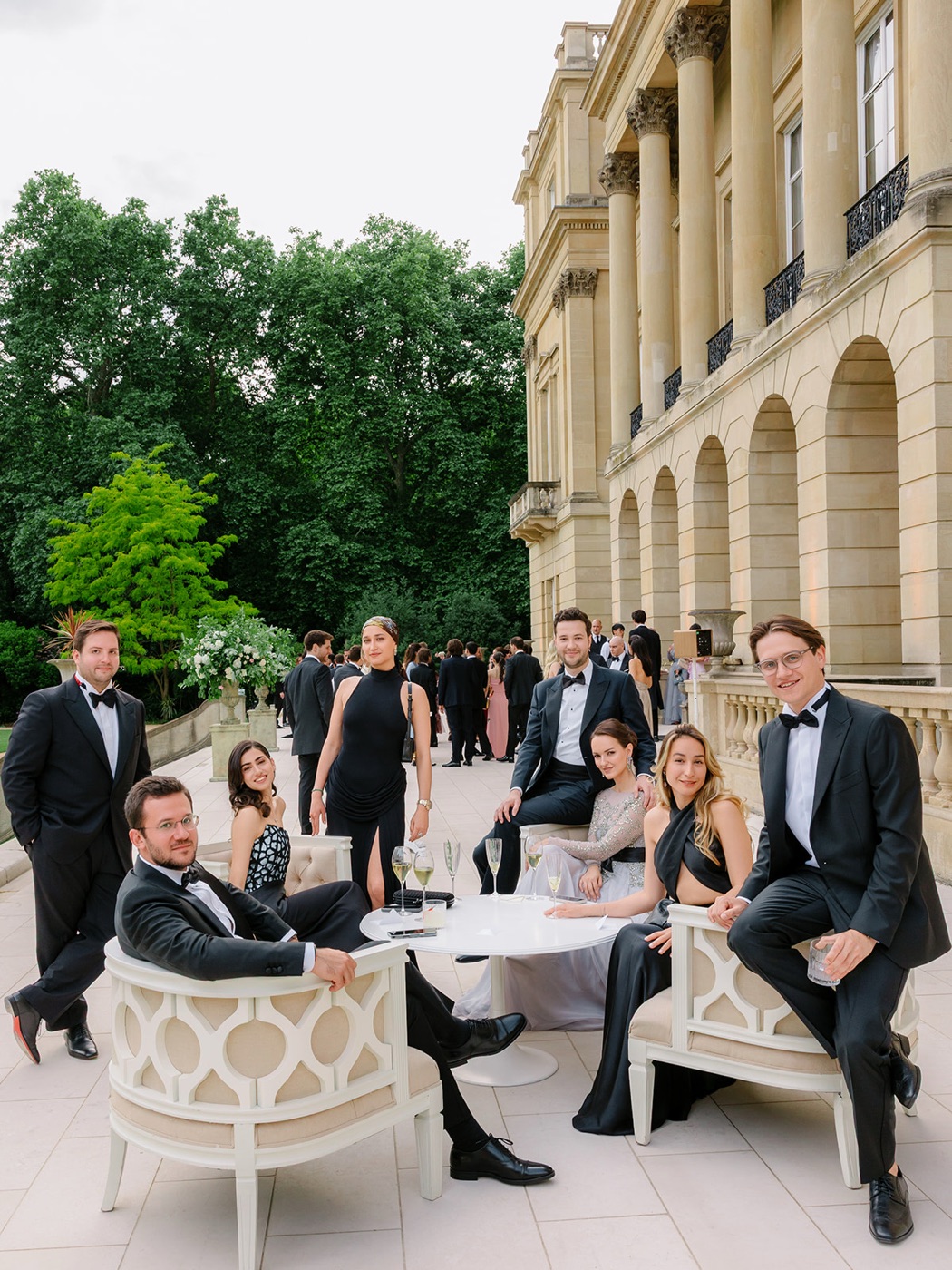
A whole day. One point of view.
Clean whites / Natural skin / Considered greens
Six ways into the story
Danilo & Sharon / The profile guide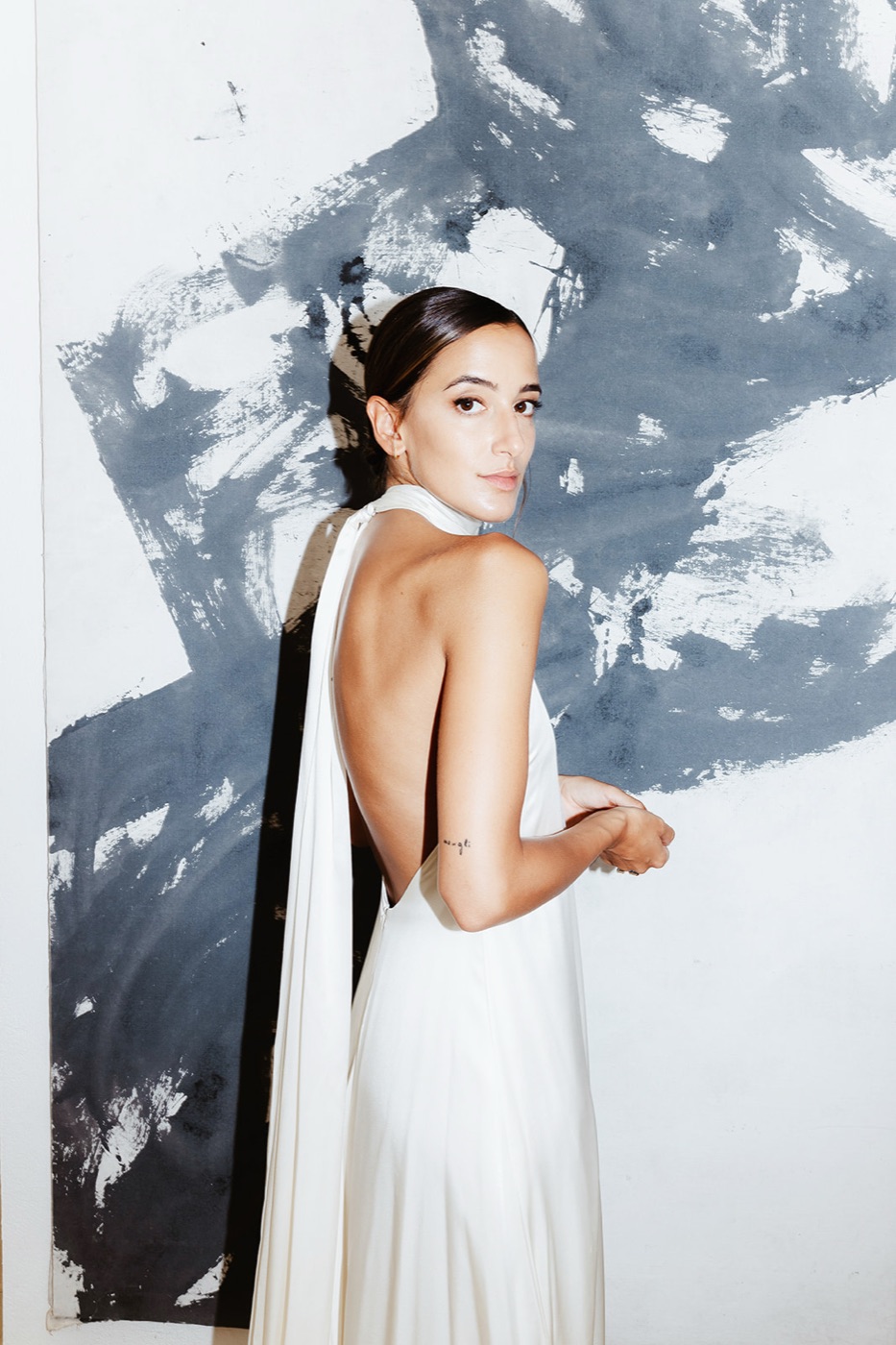 Sample imagery / 01
Illustrative collection study. Final profile examples will be added for release.
Before / After
Explore the differenceIllustrative previews using simulated edits. These are placeholders for matched before-and-after photographs, not measured profile results.
BeforeAfter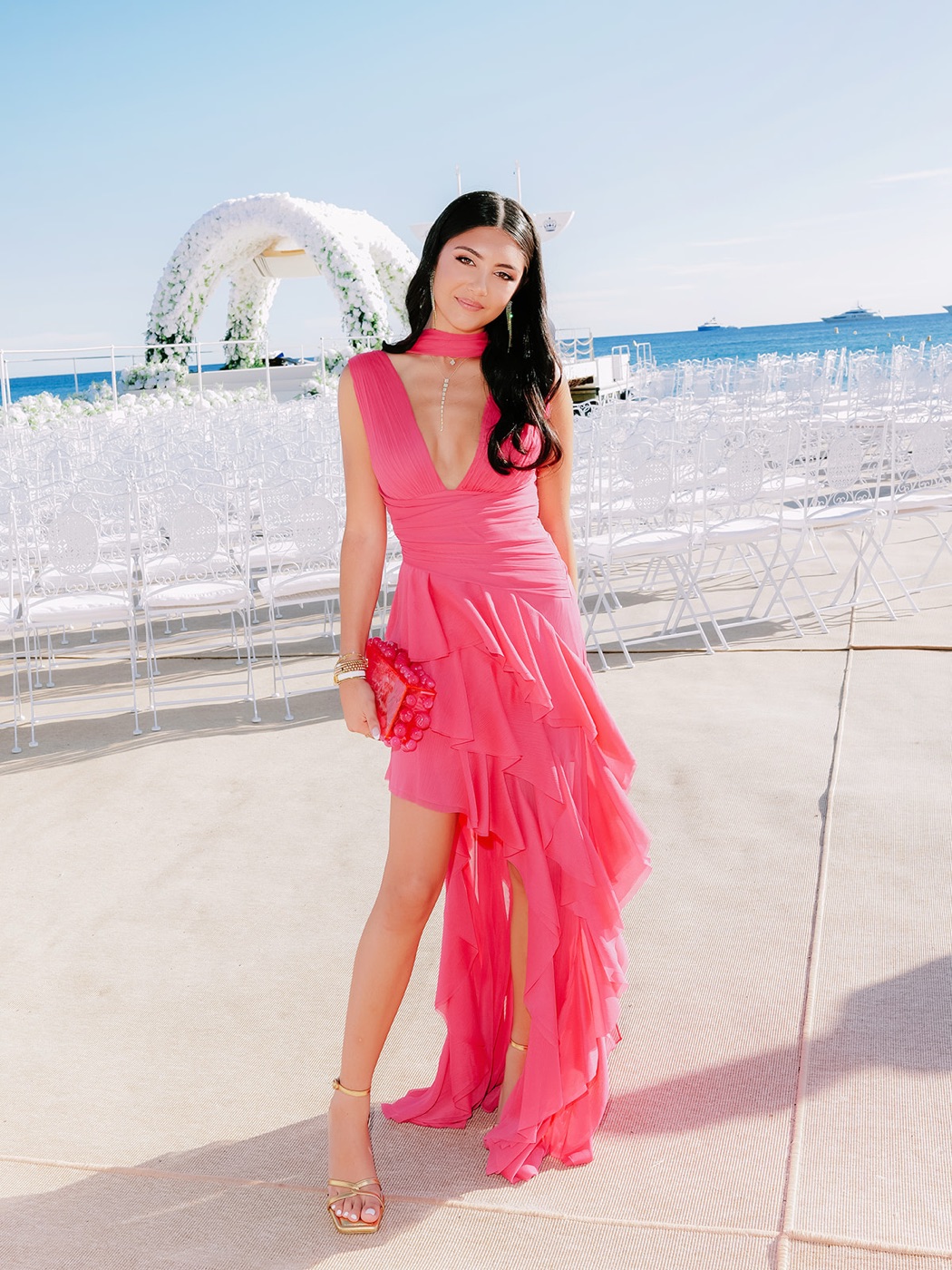 BeforeAfter
 BeforeAfter
Exposure.
Temperature.
Your finishing touch.
Choose a compatible RAW photograph. Pick your starting point. Let the light in the frame guide the rest.
- 01Start with the light.
Set exposure so the important parts of the photograph feel right.
- 02Find your balance.
Adjust white balance for the scene. DYNAMIK’s color maps blend with the change.
- 03Make it yours.
Refine contrast, texture, and local adjustments. The final photograph is still your decision.
A few frames, a feeling
View all collectionsSample gallery / Danilo & Sharon · Drag to explore
A few good questions
What is the difference between a preset and a profile?
A preset applies a group of editing settings. A profile establishes the color interpretation beneath those settings. NIPIK combines a creative point of view with that underlying color foundation, leaving your Lightroom controls available for finishing.
What is included in an edition?
Each collection includes six creative profiles, a small set of finishing presets, an installation guide, and a workflow guide.
Which cameras and applications are supported?
The collections work in Lightroom Classic and Camera Raw on Mac and Windows. DYNAMIK profiles are camera-specific, so check the exact camera model before purchasing.
How do I install the collection?
Download the NIPIK Installer for Mac or Windows from your account page and sign in with your NIPIK account. Your collections appear in the installer: choose Install, and it places the profiles and presets for Lightroom Classic and Camera Raw. Restart Lightroom, then select a compatible RAW photograph to begin. New versions arrive in the installer as updates. Each collection can be installed on two of your computers.
Will every photograph need the same settings?
No. Begin with exposure and white balance, then adjust the look to the photograph. Differences in lighting, camera, and personal taste are part of the edit. The collection gives you a starting point, not a replacement for those decisions.
Can I purchase or download the profiles now?
Yes. Add a collection to your bag and check out with your NIPIK account. Once payment is confirmed, the collection appears in your account and in the NIPIK Installer, ready to install. Have an access code? Redeem it on your account page. Delivery and refunds are covered in our terms of sale.
Another point of view
Back to shop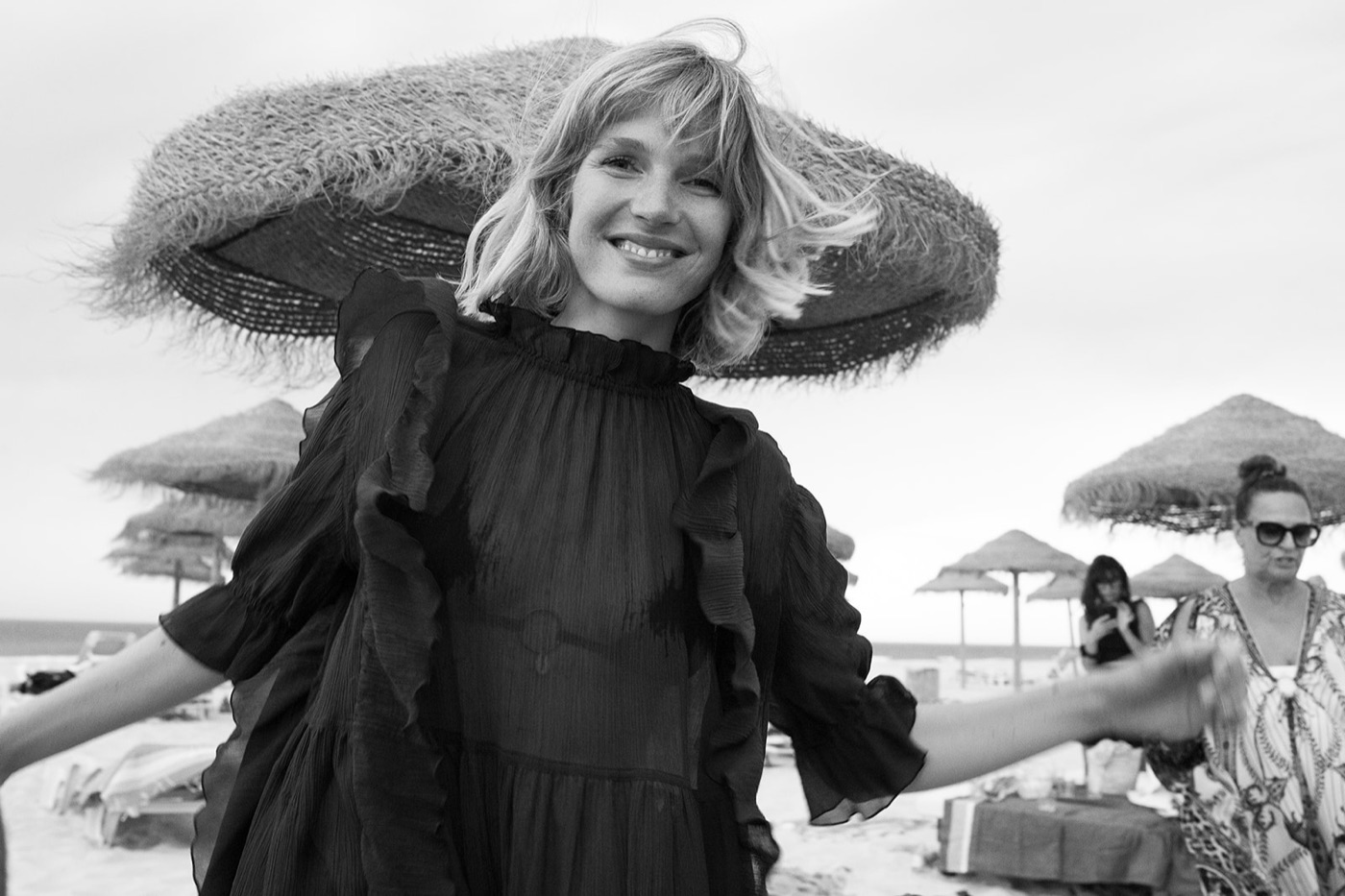 Coming soon
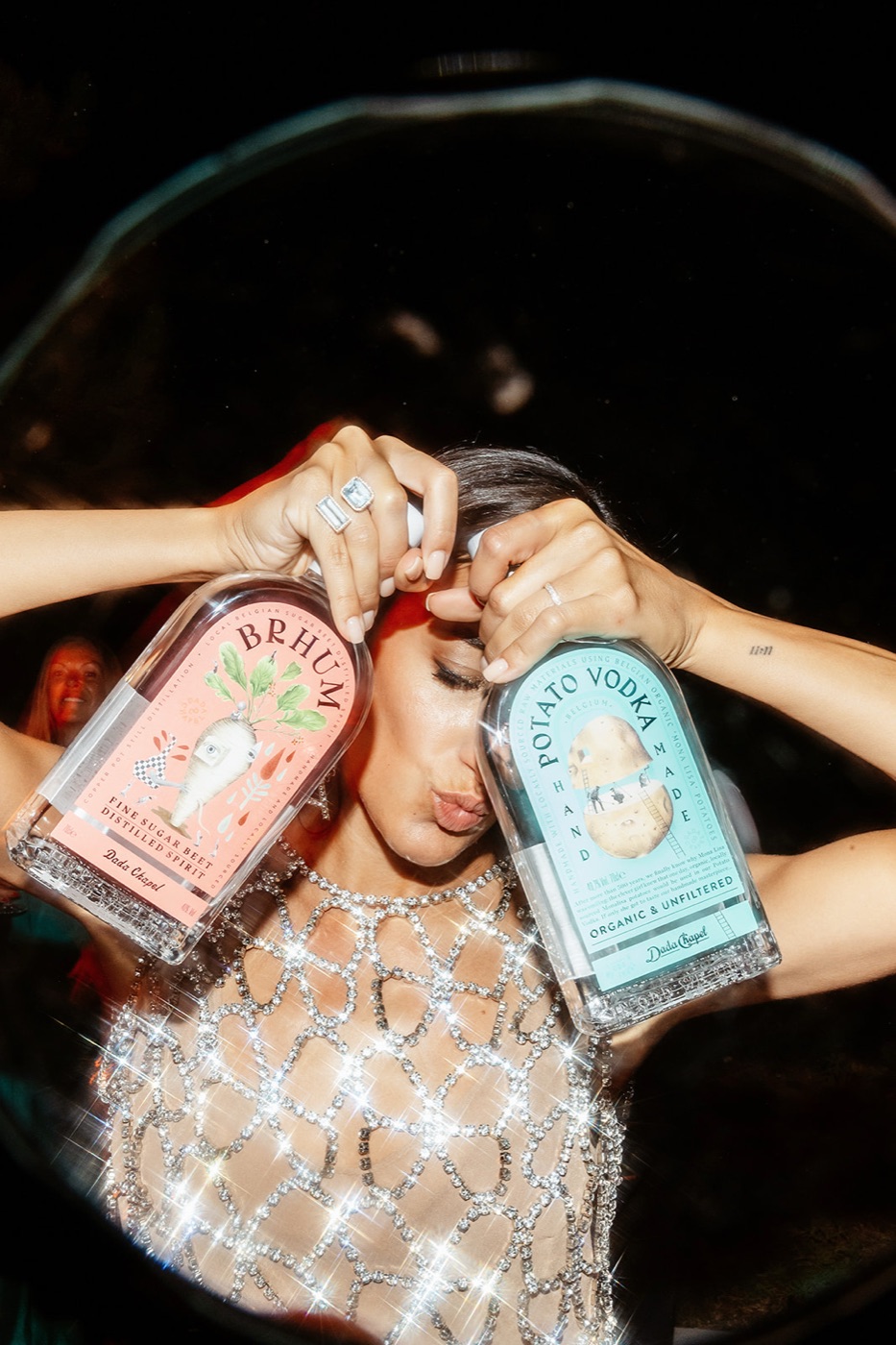 Coming soon