Presets
Find the feeling.
We’ll give you a place to start.
Explore the character of each collection. Six looks per edition, a little room to experiment, and plenty of room to make it your own.
3 collections shown
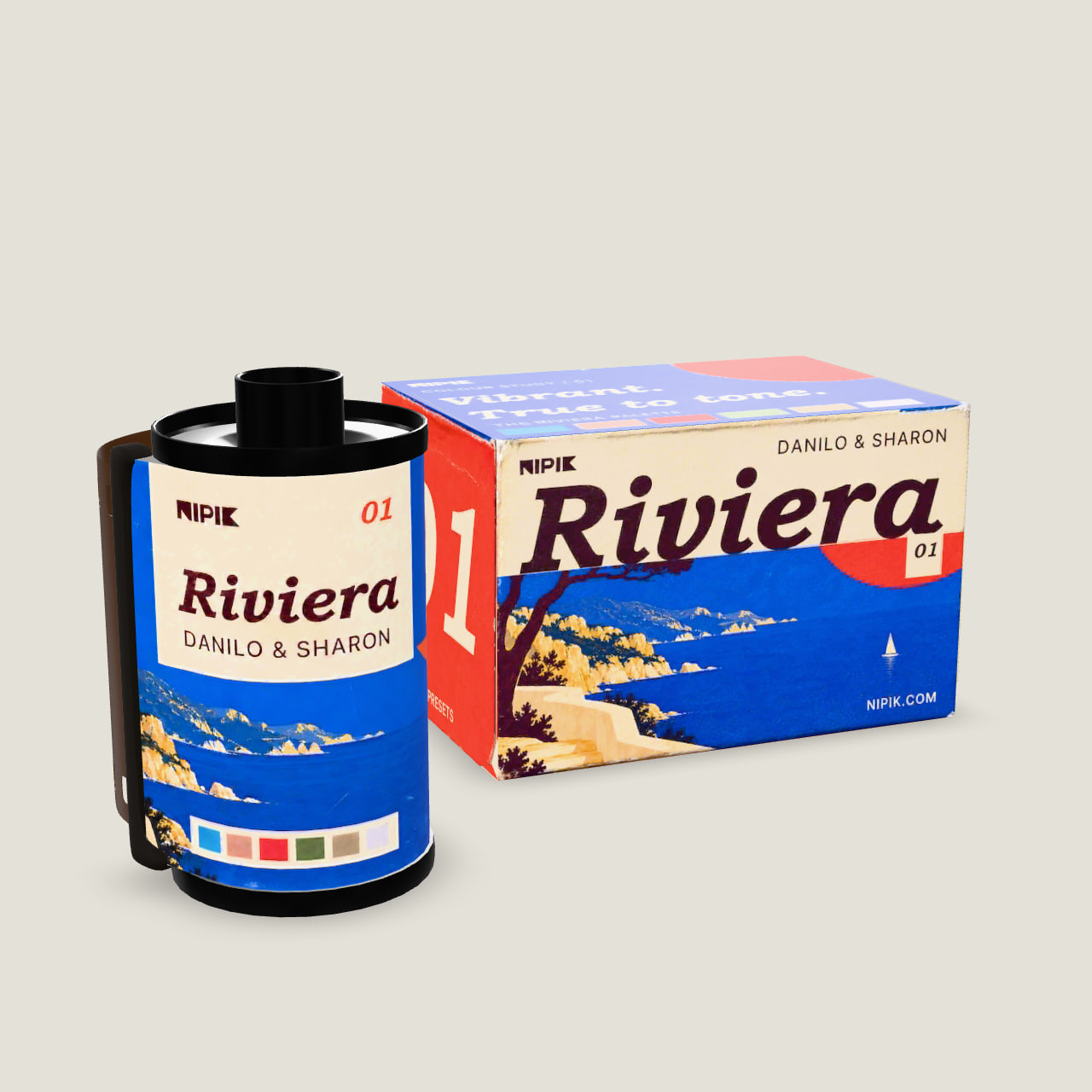
 Coming soon
 Coming soon
A look is only
the beginning.
The same starting point can feel different in morning light, deep shade, or a room lit by lamps. That’s the space DYNAMIK is built for.
Camera-specific color maps respond as you adjust white balance. Your exposure, your light, your finishing touches.
Meet the technology ↗A few good questions
What is the difference between a preset and a profile?
A preset applies a group of editing settings. A profile establishes the color interpretation beneath those settings. NIPIK combines a creative point of view with that underlying color foundation, leaving your Lightroom controls available for finishing.
What is included in an edition?
Each collection includes six creative profiles, a small set of finishing presets, an installation guide, and a workflow guide.
Which cameras and applications are supported?
The collections work in Lightroom Classic and Camera Raw on Mac and Windows. DYNAMIK profiles are camera-specific, so check the exact camera model before purchasing.
How do I install the collection?
Download the NIPIK Installer for Mac or Windows from your account page and sign in with your NIPIK account. Your collections appear in the installer: choose Install, and it places the profiles and presets for Lightroom Classic and Camera Raw. Restart Lightroom, then select a compatible RAW photograph to begin. New versions arrive in the installer as updates. Each collection can be installed on two of your computers.
Will every photograph need the same settings?
No. Begin with exposure and white balance, then adjust the look to the photograph. Differences in lighting, camera, and personal taste are part of the edit. The collection gives you a starting point, not a replacement for those decisions.
Can I purchase or download the profiles now?
Yes. Add a collection to your bag and check out with your NIPIK account. Once payment is confirmed, the collection appears in your account and in the NIPIK Installer, ready to install. Have an access code? Redeem it on your account page. Delivery and refunds are covered in our terms of sale.